

Smart Living · Smart Home
Voice Control & Networking
The backbone done properly: whole-home mesh Wi-Fi or wired networking that reaches the loft and the garden, with voice assistants that respond reliably in every room rather than just beside the router.
The service
What we deliver
Every smart device is only as reliable as the network underneath it. Before anything else we make the backbone solid: whole-home Wi-Fi with no dead corners, wired connections where reliability matters most, and a network that keeps smart devices separate from your personal data.
On top of that we set up voice control that actually works — assistants positioned to hear you in every room you use, named sensibly ('kitchen lights', not 'device 47'), and connected to everything worth controlling.
What's included
- Whole-home mesh Wi-Fi surveyed and installed
- Wired networking to TVs, offices and hubs
- Voice assistants positioned and configured per room
- Sensible naming so commands feel natural
- Network security and guest network set-up
- Loft, garage and garden coverage where wanted
From brief to delivery
Reliable voice control starts with reliable network coverage
Smart devices cannot behave consistently if Wi-Fi is weak, congested or poorly placed. We treat the network as infrastructure first, then layer voice assistants and connected devices on top.
What we resolve before work starts
We assess where internet enters the property, construction materials, device density and the areas that need dependable coverage. Wired backhaul is considered where practical because access points work best when they are not all competing wirelessly for the same link.
- Internet service entry and router location
- Wi-Fi coverage by floor, garden and difficult construction zones
- Ethernet requirements for TVs, offices, access points and fixed equipment
- Guest, work and smart-device network segmentation where appropriate
- Voice-assistant placement based on room acoustics and intended commands
What a proper handover should include
The household should know the network names, where equipment is located and how to restart or recover basic services without dismantling the system.
- Access points adopted and named by location
- Primary and guest networks demonstrated
- Fixed devices confirmed on intended wired or wireless connections
- Voice assistants assigned to correct rooms and household accounts
- Basic restart, ownership and support information handed over
Delivery sequence
How this service moves from idea to finished work
Coverage assessment
We review property layout, existing equipment and the locations where connection quality currently fails.
Network design
Access-point positions, cabling, switches and network roles are planned before hardware is installed.
Installation
Data cabling and network hardware are fitted, updated and configured for the required rooms and devices.
Voice setup
Assistants are added only after the network is stable, then room assignments and useful commands are tested.
Why it is worth planning properly
A stable network improves every connected service in the property
Fewer dropouts
Better access-point placement and wired connections reduce dependence on one overloaded router at the edge of the house.
Better fixed-device performance
TVs, workstations and hubs can use Ethernet where appropriate, leaving Wi-Fi capacity for mobile devices.
More reliable voice response
Assistants work better when they have consistent connectivity and are assigned to the right rooms and services.
Key decisions
What shapes the scope
Broadband provider, equipment location, access-point count, cabling opportunities, guest access, remote work needs, device privacy and which voice ecosystem the household prefers all shape the system. We avoid promising speeds that depend on the external internet service.
Budget & programme
What usually moves cost or timing
New Ethernet cabling, difficult cable routes, number of access points, managed network equipment and large outbuildings or gardens are the main cost variables. Retrofitting finished interiors can require more labour to route cables discreetly.
In pictures
The work up close
 View larger photo
 View larger photo
 Apple HomePod smart speaker on media unit in front of television screen
 Google Home voice assistant beside Nuki smart lock devices on white shelf
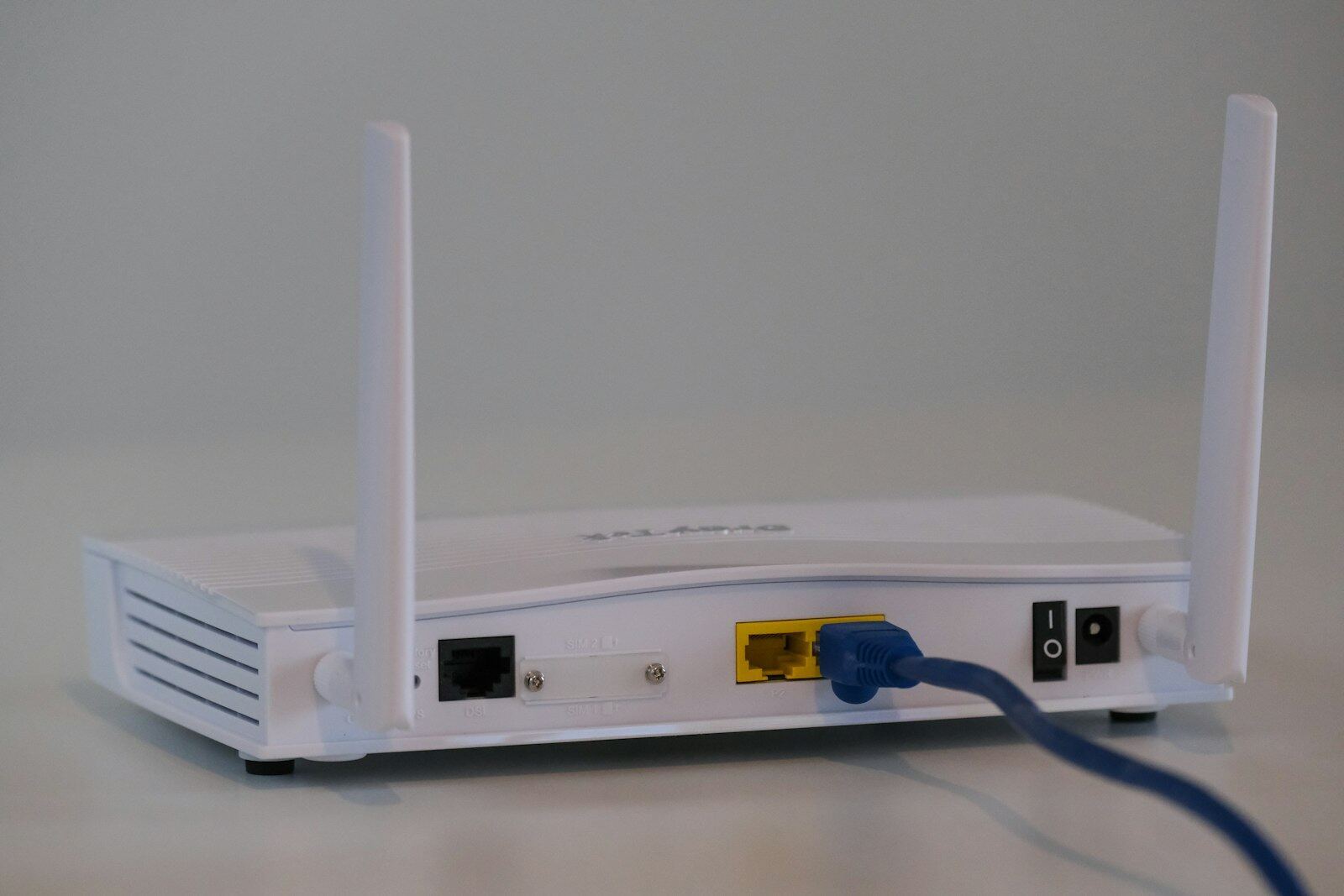
 Close-up of home broadband router panel showing Wi-Fi and online status lights
 Black high-performance wireless router with multiple antennas on dark side table
 Labelled patch panel ports with neatly connected network cables in home cabinet
 Amazon Echo Dot smart speaker with blue light ring awaiting voice command
Why it pays off
What you gain
Wi-Fi in every corner
Properly planned mesh networking and wired access points end dead spots, from the loft office to the garden studio.
Hands-free control
Ask for lights, heating, music or the news from any room, with speakers positioned and tuned so they hear you first time.
Secure and separated
Smart devices and guests get their own networks, kept apart from your personal laptops and phones, with sensible security settings from day one.
How it works
Three steps, no surprises
Site survey and network design
We test coverage room by room, note thick walls and dead spots, and design a wired-and-wireless network sized for how your household actually uses it.
Cabling and hardware installation
Data cabling, access points and network cabinets are installed neatly and out of sight, with everything labelled and tested before we move on.
Voice setup and optimisation
We place and configure voice assistants room by room, connect them to your smart home systems and fine-tune names and commands so they respond naturally.
Sound familiar?
Asked for every week
Tell us where Wi-Fi is weak, which rooms carry work or streaming traffic and what smart devices depend on the network. We will address the infrastructure before adding more connected controls.
- Whole-house mesh Wi-Fi in a thick-walled Edwardian semi
- Hard-wired network points for a home office and media room
- Voice control of lighting and heating in kitchen, lounge and bedrooms
- Extending fast, reliable Wi-Fi to a garden office or annexe
- A tidy network cabinet concealed in a utility cupboard
- Family network with guest access and parental controls
Good to know
Common questions
Our Wi-Fi is terrible upstairs — can you fix just that?
Yes. Network improvement is a common standalone job: we survey the property, place mesh points or wired access points where they're actually needed, and prove coverage room by room before we sign it off.
Do voice assistants listen to everything?
They process a wake word locally and only send audio after hearing it. We'll show you the mute controls and privacy settings, and can set up local-processing options where privacy is a priority.
Smart Home
More in this service
Start the conversation
Ready to start your project?
Send the property size, number of floors, current broadband/router setup and the dead zones you experience. We can then decide whether a site network survey is useful.