
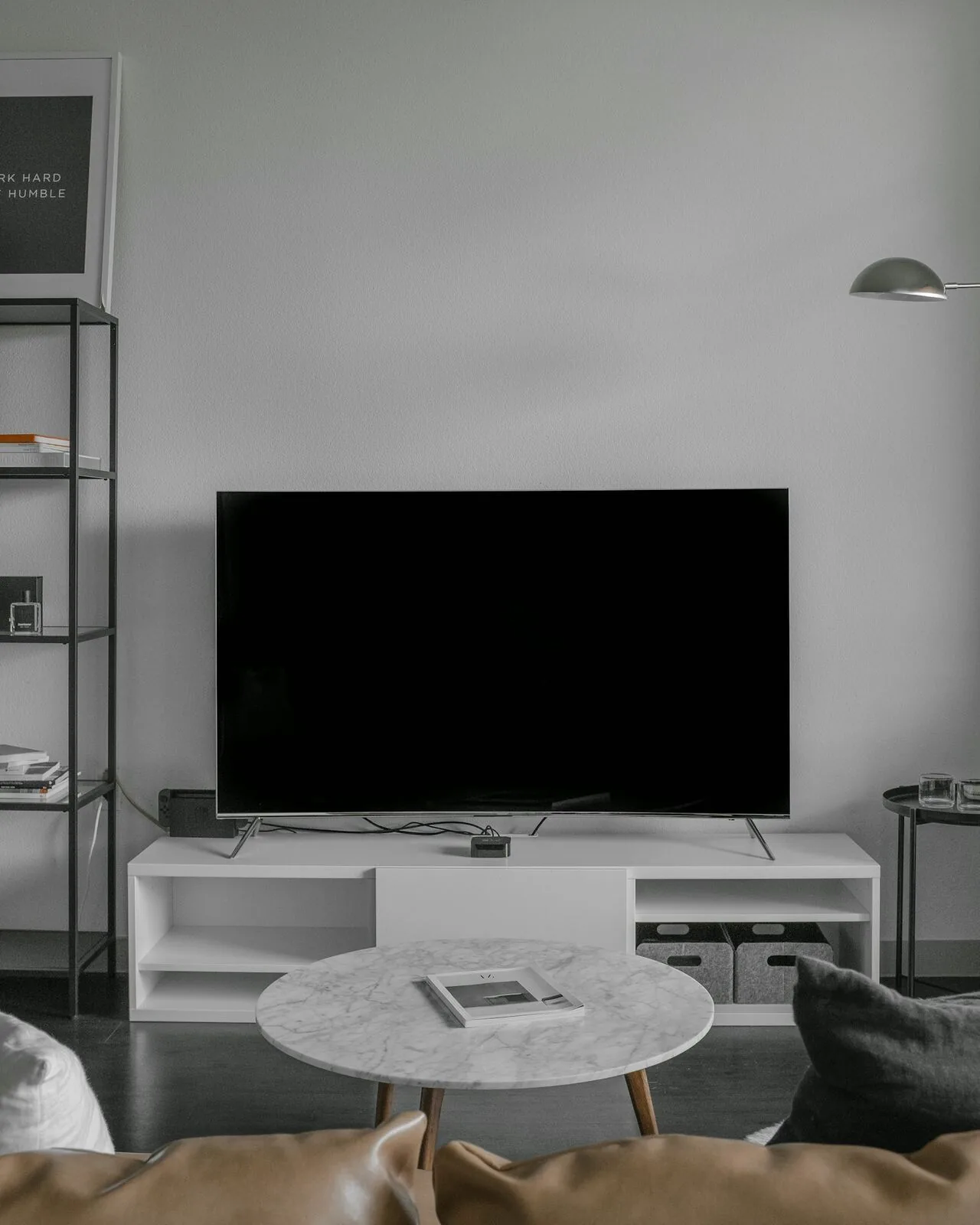
Smart Living · Smart Home
Multi-Room Audio-Visual Setup
Music and television that follow you around the house from one library. TVs mounted with cabling hidden in the wall, sound zones grouped in one app, and equipment tucked out of sight in ventilated joinery.
The service
What we deliver
One music library, every room — that's the promise of multi-room AV done properly. Play the same playlist through the whole house for a party, or let the kitchen, bathroom and office each run their own soundtrack, all controlled from one app.
We install and configure the systems, mount the TVs with cabling hidden inside the wall, and tuck amplifiers and boxes into ventilated cupboards so the technology disappears and the experience remains.
What's included
- Multi-room speaker systems, wired and wireless
- TVs wall-mounted with in-wall cable routing
- Streaming boxes, soundbars and consoles connected and hidden
- Zones grouped and named in one app
- Family streaming accounts configured
- Universal remotes or single-app control set up
From brief to delivery
Multi-room AV needs a distribution plan before screens and speakers are mounted
We coordinate sources, displays, speakers, network bandwidth and equipment ventilation so media can move between rooms without leaving visible cable routes or inaccessible hardware behind.
What we resolve before work starts
The first question is whether each room needs independent sources or shared content, followed by how the equipment will be controlled. That determines cabling, network and equipment-rack requirements.
- TV and speaker locations relative to seating and room use
- Shared versus independent media sources
- HDMI, data, speaker and control cabling strategy
- Equipment storage, ventilation and service access
- App, remote and wall-control approach for different household users
What a proper handover should include
AV handover should leave each room named logically and every remote or app mapped to a simple everyday task.
- Displays and audio zones tested from normal seating positions
- Sources, rooms and input names simplified for users
- Remote controls or app shortcuts demonstrated
- Equipment ventilation and access points identified
- Streaming-account ownership and client-supplied subscriptions kept with the client
Delivery sequence
How this service moves from idea to finished work
Room brief
We define what each room should play, how it will be used and whether content must be shared between zones.
Infrastructure plan
Cabling, network, speaker positions and equipment locations are coordinated before decoration or joinery closes access.
Install & connect
Screens, speakers, sources and network equipment are installed and connected to the planned distribution routes.
Calibration & handover
Levels, lip-sync, basic picture settings and room controls are checked, then the system is demonstrated using the client’s normal sources.
Why it is worth planning properly
The goal is media that works room by room without technical friction
Less visible equipment
Sources and cabling can be centralised or concealed while keeping service access available.
Consistent controls
Rooms can be named and organised similarly so household members do not have to relearn the system in every space.
Better planning with joinery
Screens, speakers and ventilation can be integrated into media walls or cabinetry before the furniture is built.
Key decisions
What shapes the scope
Screen size, source devices, streaming services, speaker type, room independence, control preference, equipment location and future gaming or AV requirements all affect the infrastructure. High-bandwidth video distribution may require different cabling from ordinary network use.
Budget & programme
What usually moves cost or timing
Number of rooms, display sizes, audio quality, centralised distribution, long cable runs, bespoke joinery and equipment-rack requirements drive cost. Early cabling during renovation is usually less disruptive than retrofitting finished walls.
In pictures
The work up close
 View larger photo
 View larger photo
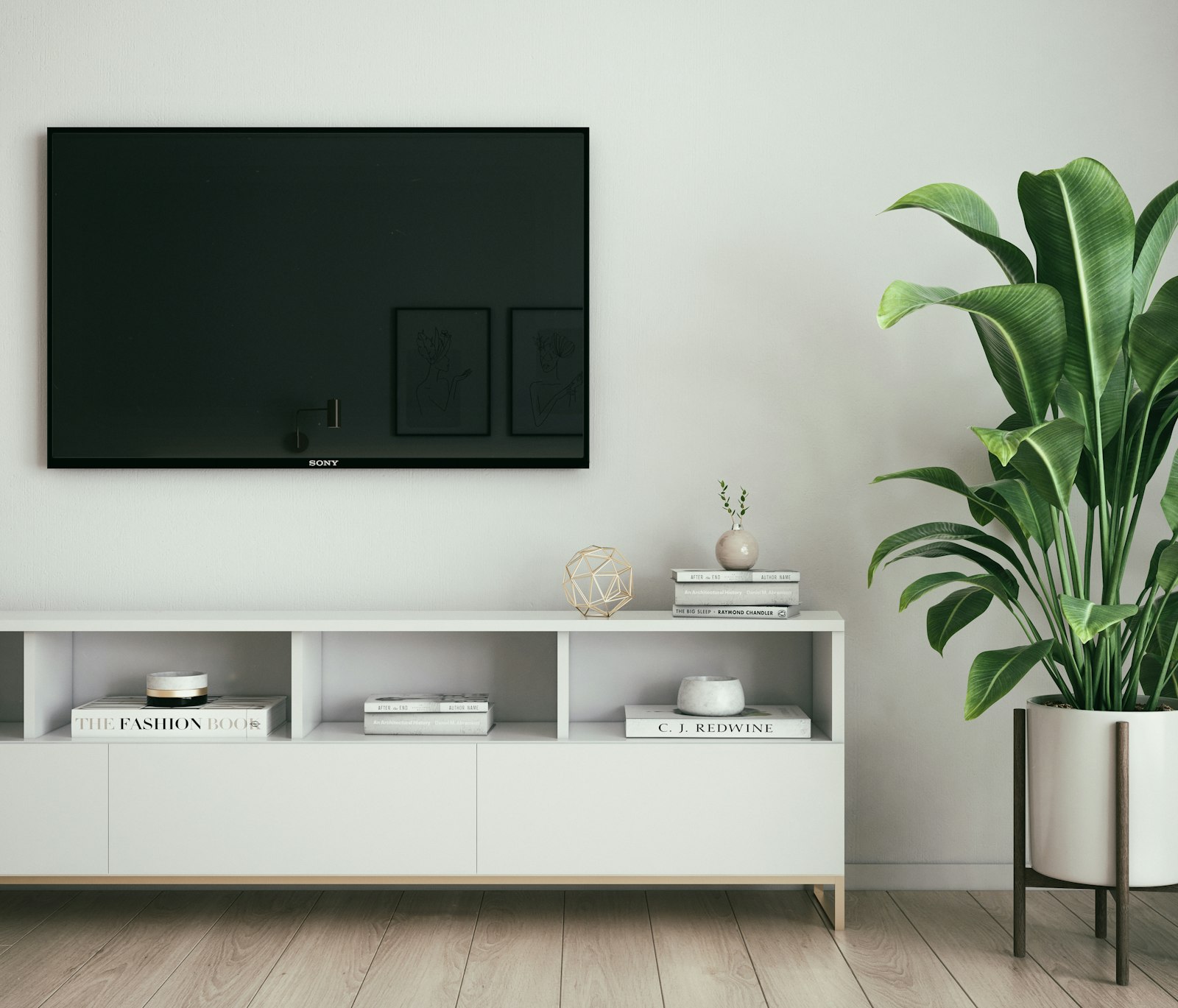 Wall mounted television above white media sideboard with tall potted plant
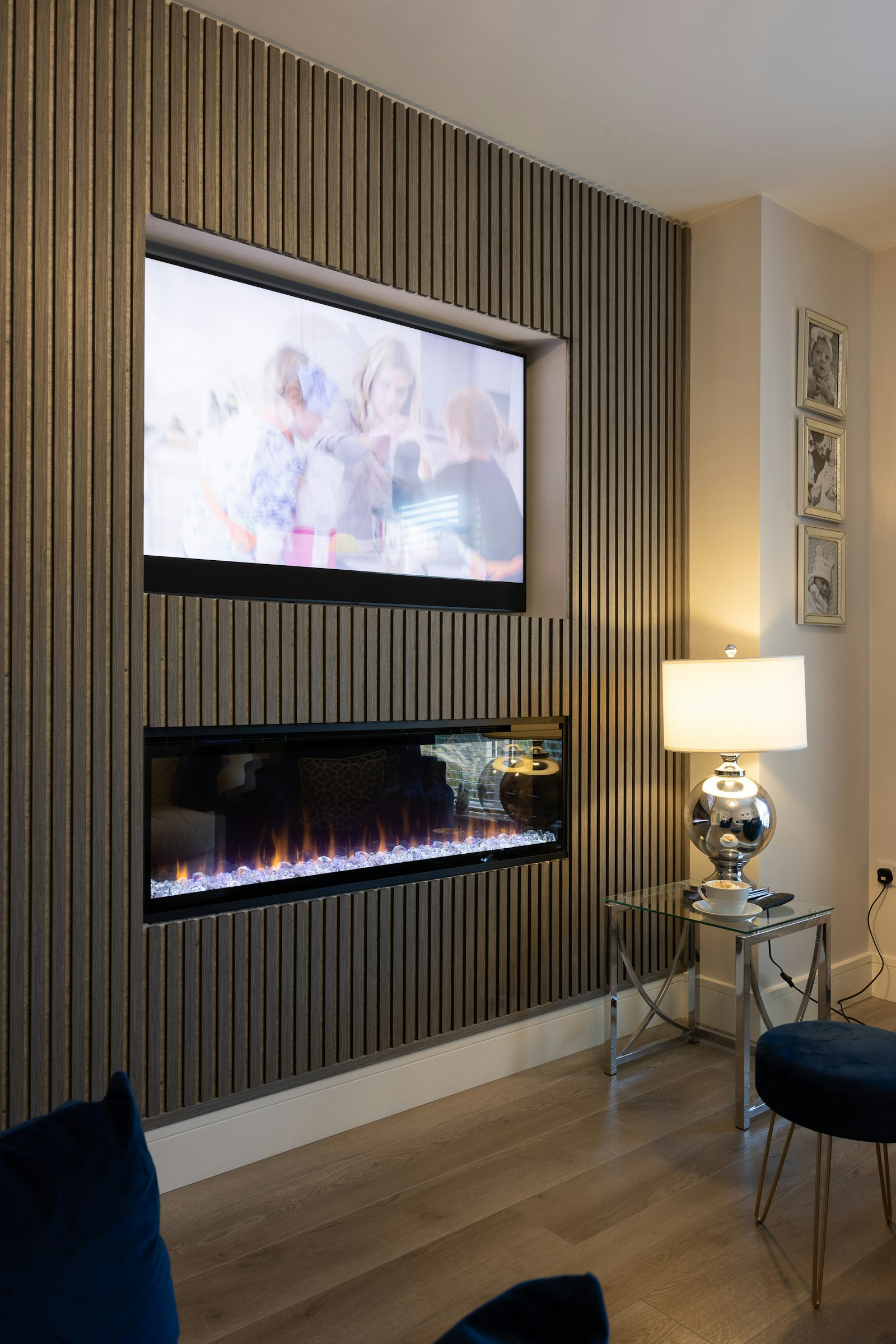 Television and electric fireplace recessed in slatted timber media wall panelling
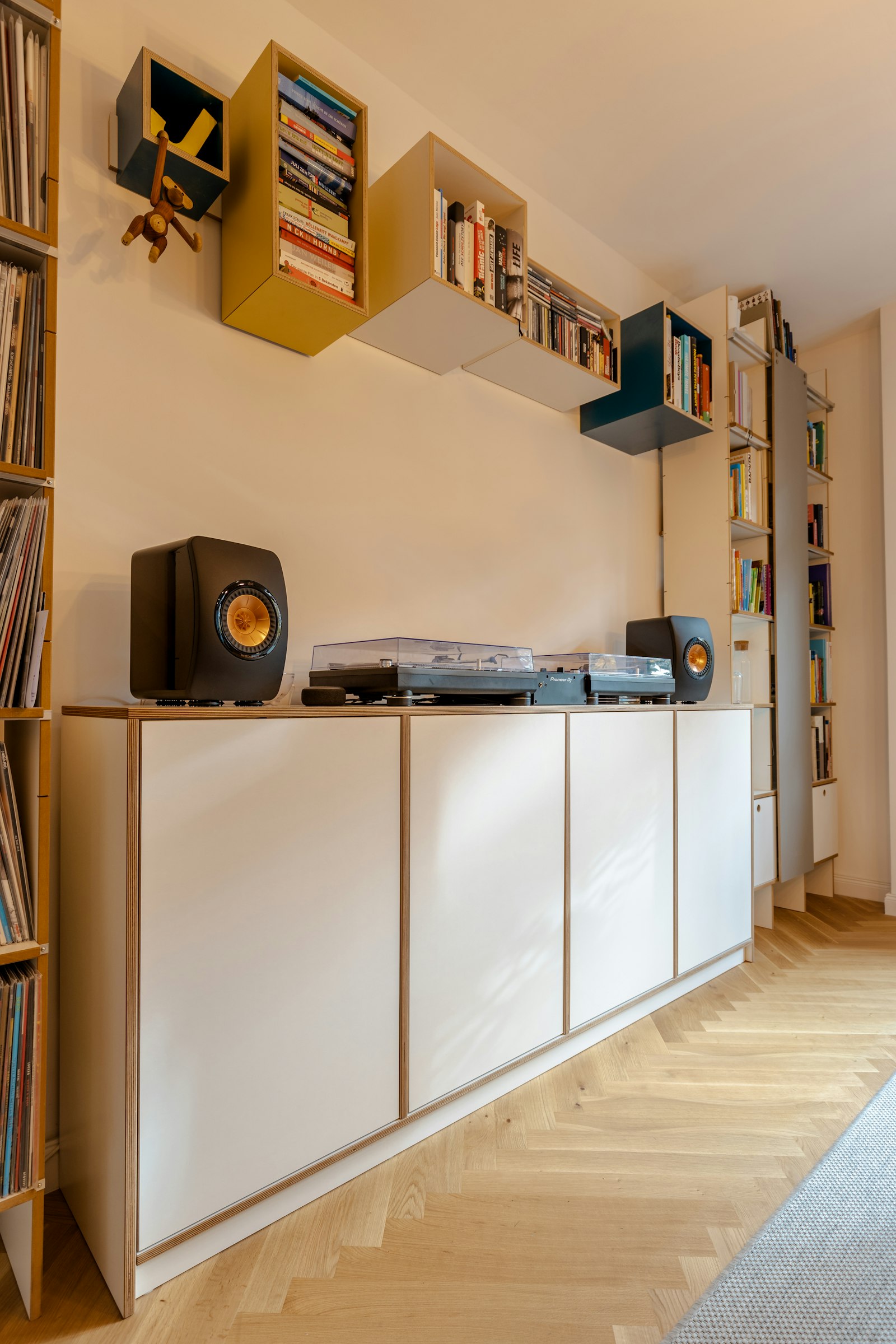 KEF bookshelf speakers and twin turntables on white cabinet with herringbone floor
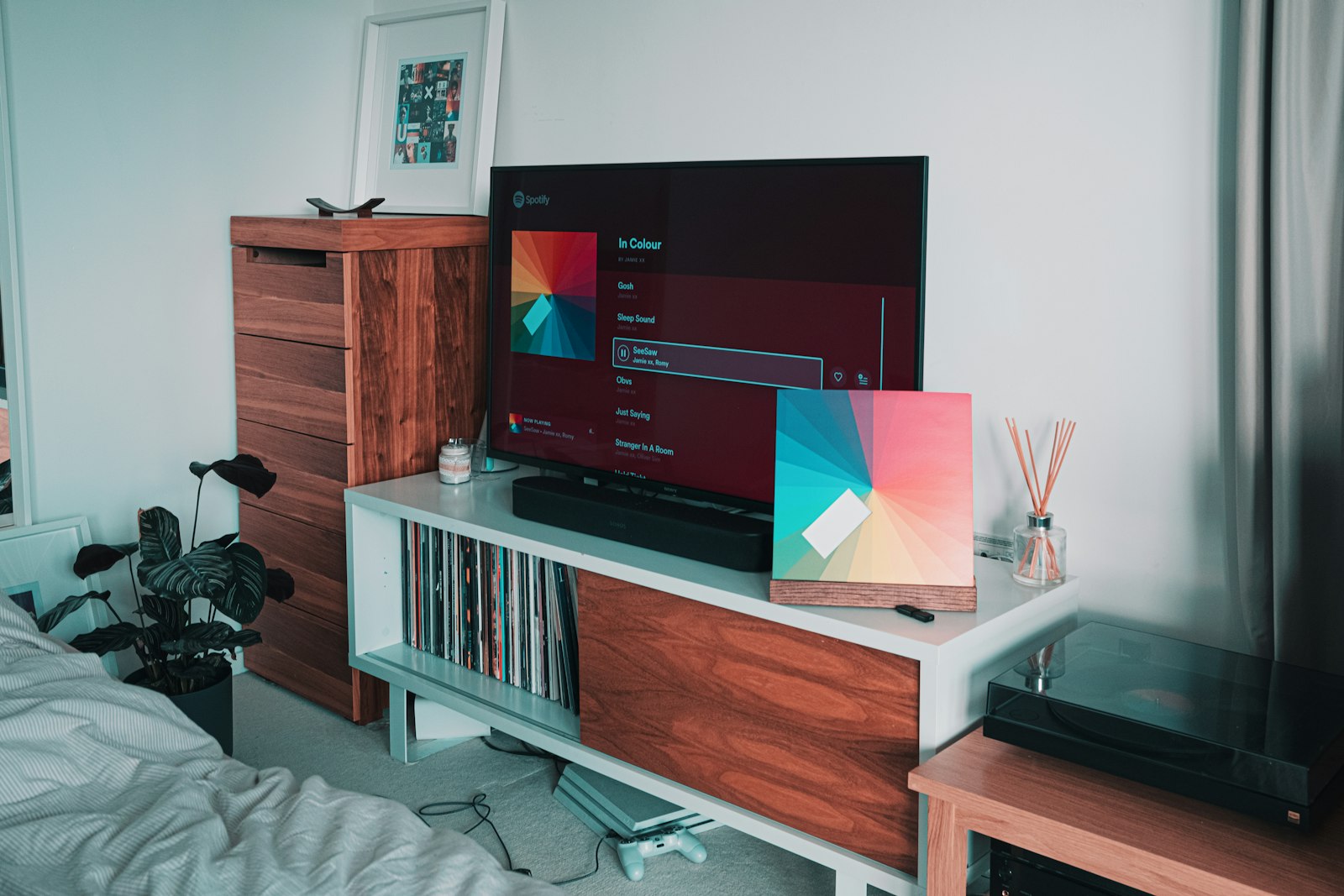 Bedroom television streaming music beside Sonos soundbar and vinyl record storage
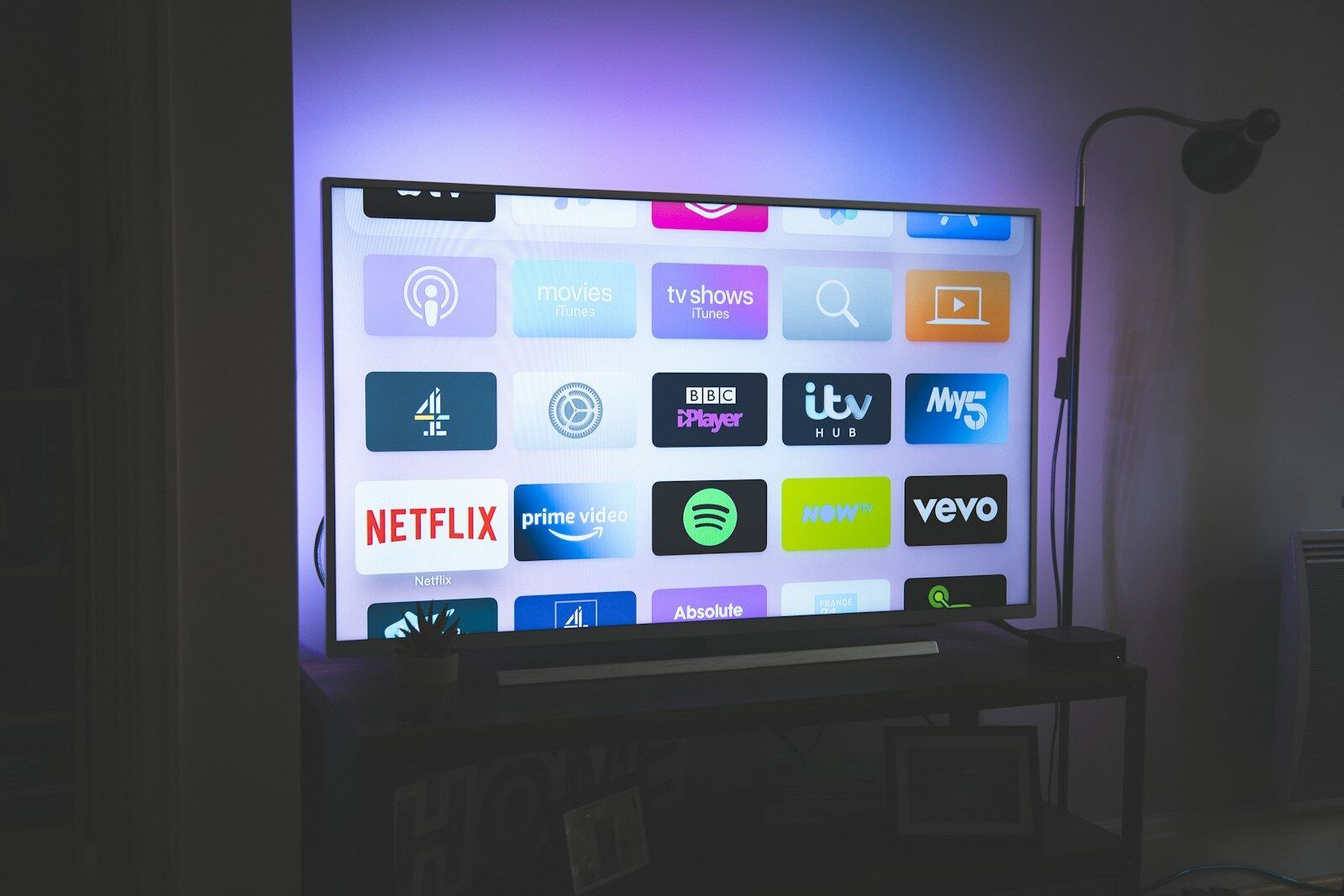
 Netflix logo on television screen with warm red ambient backlighting
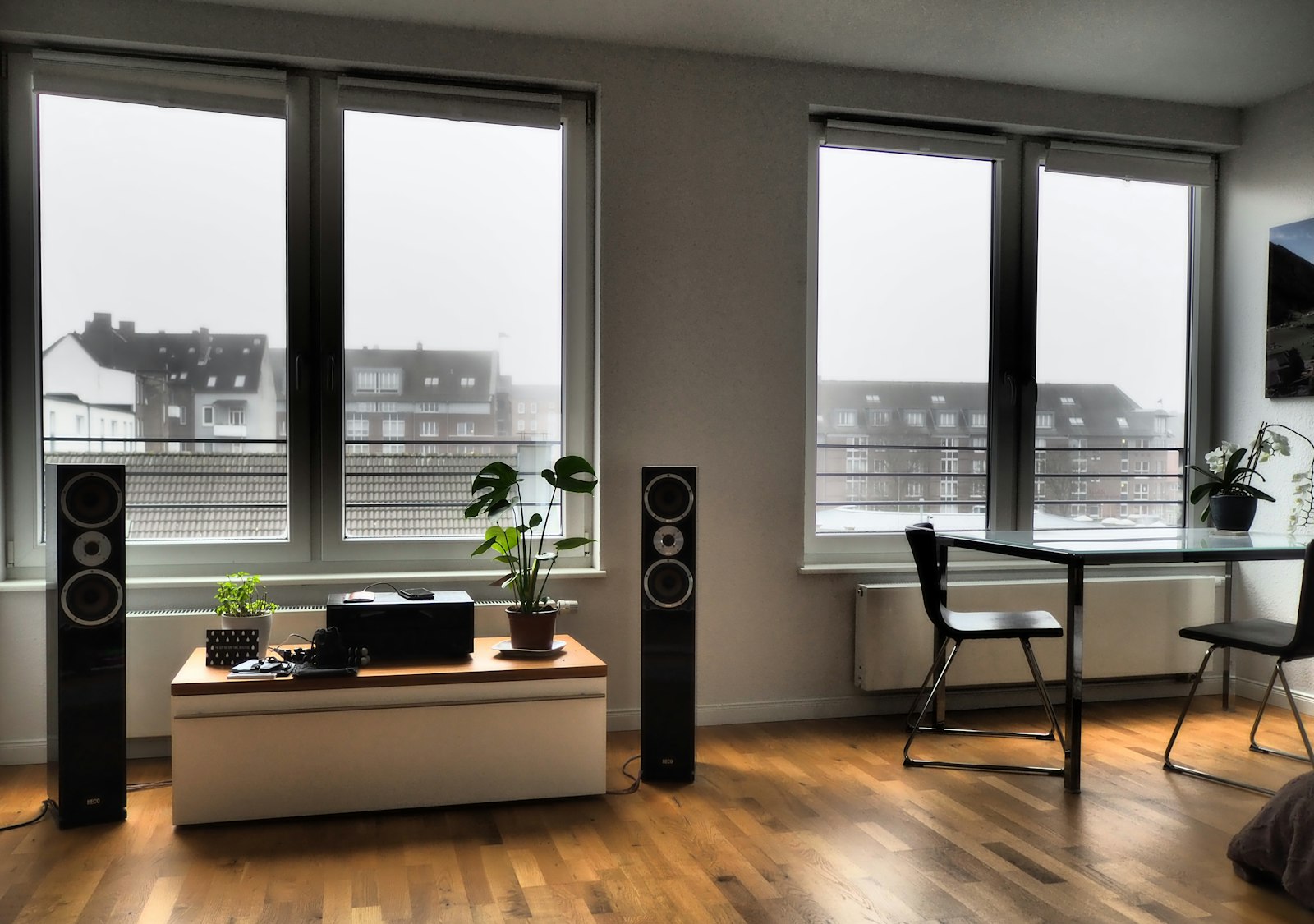 Floor standing hi-fi speakers flanking media unit in bright European apartment
Why it pays off
What you gain
Music that follows you
Play the same track through the whole house or something different in every room, all controlled from your phone or a wall keypad.
Cinema without clutter
Wall-mounted screens, concealed cabling and in-ceiling speakers deliver a proper cinematic experience with nothing trailing across the floor.
Hidden until needed
Speakers sit flush in ceilings and joinery, and the equipment lives in a remote cabinet, so the technology never spoils the room.
How it works
Three steps, no surprises
Design and room planning
We plan speaker and screen positions around each room's layout, acoustics and furniture, agreeing sightlines and finishes before anything is cut.
First fix and installation
Cables, brackets and speaker housings go in cleanly, coordinated with any decorating or building work, so every element ends up concealed and secure.
Calibration and handover
We balance sound for each room, group zones sensibly in the app and show the whole household how to use it in minutes.
Sound familiar?
Asked for every week
Tell us which rooms need screens, music or shared sources and who will control them. We will map the AV zones before specifying hardware.
- In-ceiling speakers across kitchen, living room and bathroom
- A media wall with recessed TV and concealed soundbar
- Dedicated cinema room in a converted loft or basement
- Garden speakers zoned separately for outdoor entertaining
- An alcove converted into a hidden AV cabinet
- Multi-room streaming linked to voice and app control
Good to know
Common questions
Can different rooms play different things at once?
Yes — that's the heart of multi-room audio. Each zone plays independently or joins a group instantly, so the kitchen can have the radio while the office has focus music and the garden runs the party playlist.
Will you hide all the cables?
That's the point of using builders: we chase and patch walls, route cables through voids, and make good with paint-matched finish — no trunking stuck on the wall unless you ask for it.
Smart Home
More in this service
Start the conversation
Ready to start your project?
Send the room list, current TV/audio equipment and whether the project is part of a renovation. We can then identify cabling and joinery coordination before installation.