
Security · Security Camera & Alarm Systems
Remote Monitoring App Setup
Every camera, sensor and alarm in one place on every family phone — configured, tested and demonstrated before we leave, so checking the house from holiday takes one tap.
The service
What we deliver
Security you can't check easily is security you stop checking. We bring cameras, alarm, doorbell and locks into a coherent set-up on every family phone — logins created, notifications tuned so they matter, and everyone shown how it works.
It's the difference between a box of installed equipment and a system the household actually trusts: one glance from the beach and you know the house is fine.
What's included
- All devices configured in the right apps
- Family logins with sensible permission levels
- Notifications tuned — urgent, not noisy
- Holiday checklists and away-modes set up
- Old or donated equipment integrated where viable
- A walkthrough for every user, not just one
From brief to delivery
Remote monitoring is an account, notification and network design problem as much as an app setup task
We organise devices, users and alerts so the client can understand what happened quickly without sharing one master login or receiving an unusable stream of notifications.
What we resolve before work starts
We review which devices can be managed remotely, who needs access and which alerts matter enough to interrupt the user. Account ownership and recovery are treated as part of handover, not left under an installer email.
- Supported cameras, alarms, locks or sensors to include
- Owner, family, staff and guest permission levels
- Multi-factor authentication where supported
- Notification priorities, schedules and quiet periods
- Network/cloud dependency and subscription requirements
What a proper handover should include
The client should own the administrator account and understand how to add or remove a user when circumstances change.
- Admin ownership transferred/confirmed
- Devices named consistently by room or location
- Important alerts tested on intended phones
- User permissions reviewed individually
- Recovery options, subscriptions and cloud dependencies documented
Delivery sequence
How this service moves from idea to finished work
Account inventory
We identify existing apps, accounts and devices and remove ambiguity over ownership.
Permission design
Users are assigned only the access they require, separating household or business roles where supported.
Notification setup
Alerts are configured by event and location so important notifications stand out.
Remote test
Live view, alerts and control functions are tested from outside the local network, subject to service availability.
Why it is worth planning properly
Remote access is useful only when it remains secure and understandable
Faster awareness
Priority events can reach the right person without requiring someone to watch a live feed continuously.
Cleaner user management
Individual accounts or permissions are easier to revoke than shared passwords when staff, tenants or circumstances change.
Easier multi-device view
Supported cameras and sensors can be organised into named locations rather than separate unidentified devices.
Key decisions
What shapes the scope
Which users need control versus view-only access, alert priority, MFA, cloud storage, phone platform, privacy and whether remote unlock/disarm should be permitted are key choices.
Budget & programme
What usually moves cost or timing
Device compatibility, number of accounts/locations, cloud subscriptions and replacing unsupported legacy hardware are the main variables. Setup time increases when several brands need separate apps or cannot integrate reliably.
In pictures
The work up close
 View larger photo
 View larger photo
 Resident locking a smart door lock from the app on their phone
 Woman reviewing security app settings on a tablet at home
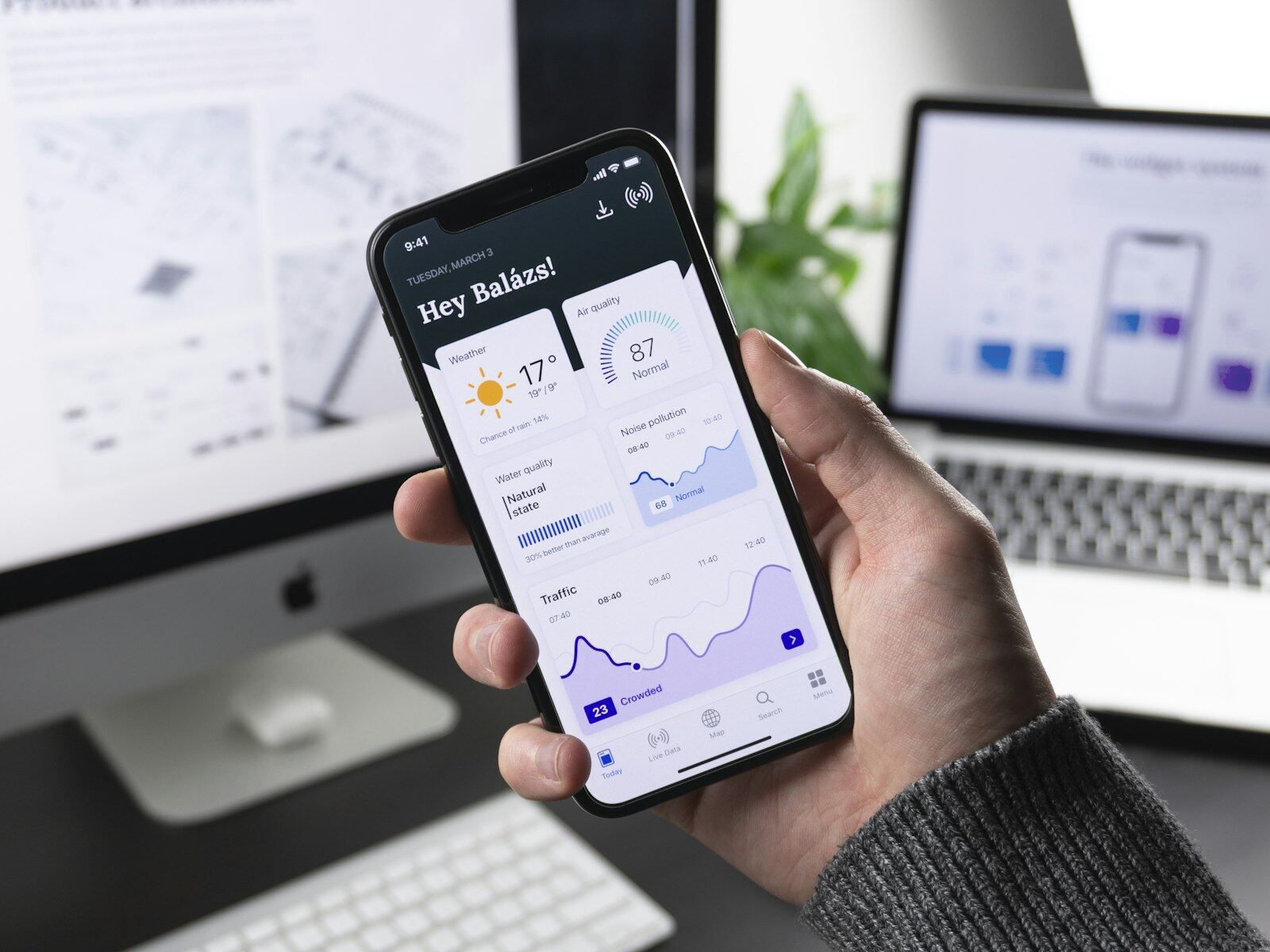
 Hand holding smartphone beside smart camera bulbs and plug during setup
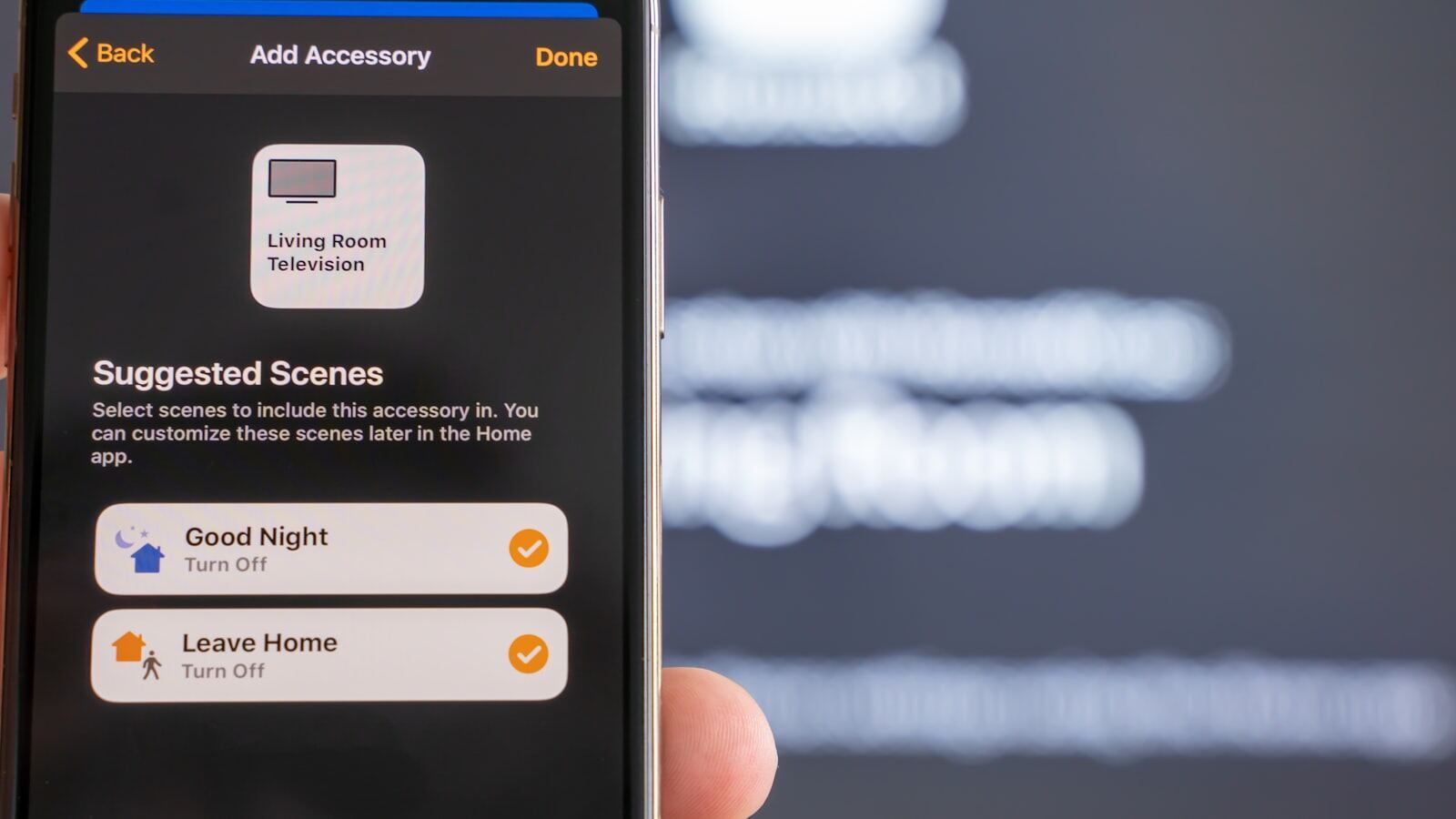
 Homeowner viewing a live living room camera feed on their smartphone
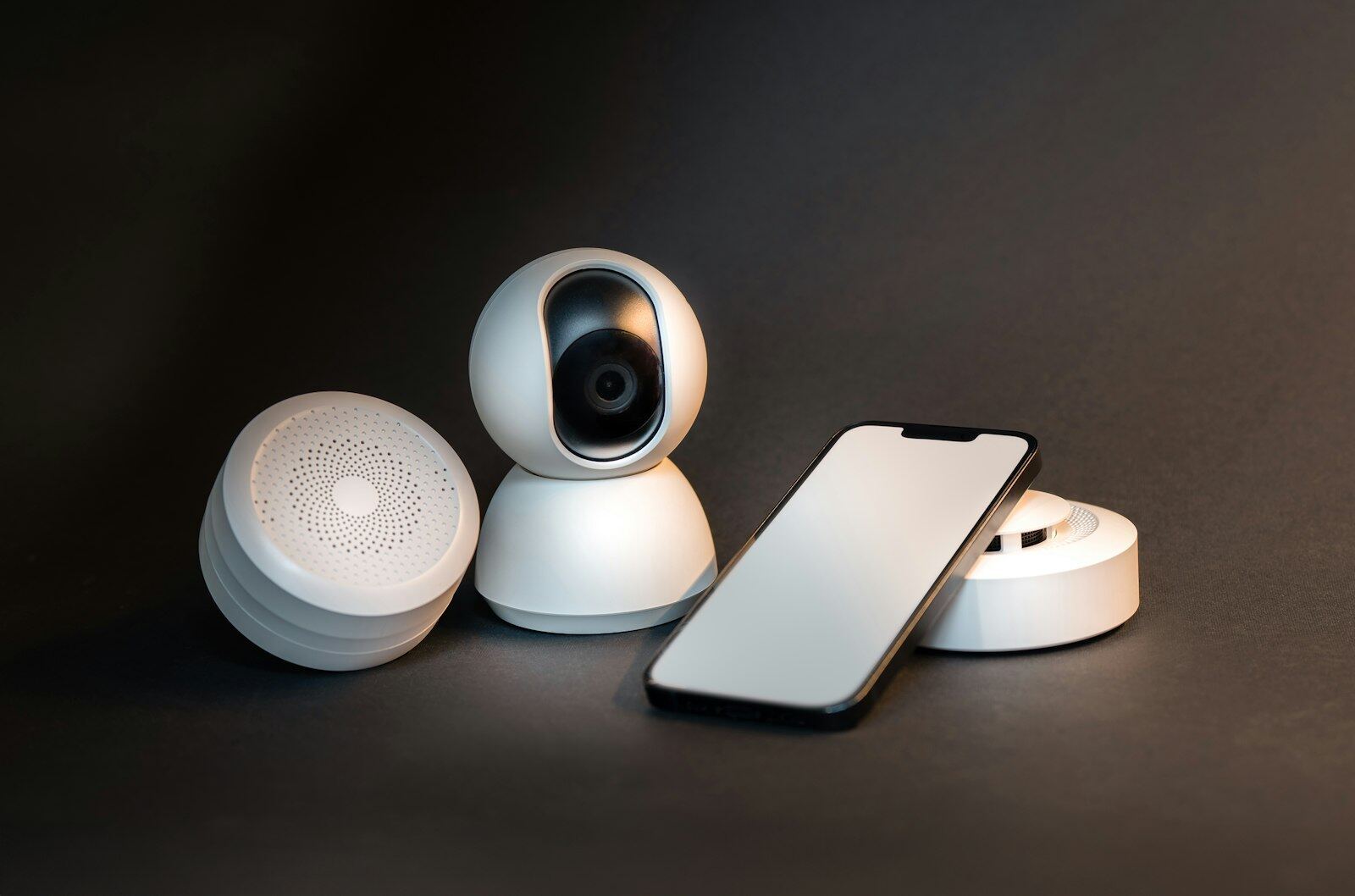
 Smartphone beside wireless camera motion sensor and smoke detector kit
 Two hands framing a live kitchen view on a smartphone screen
Why it pays off
What you gain
Everything in one place
Doorbell, cameras and alarm brought together into a tidy, logical setup on your phone, rather than a clutter of half-configured apps.
Alerts worth having
We tune motion zones, schedules and sensitivity so a notification actually means something — not a buzz every time a cat crosses the garden.
Right access for everyone
Family members or staff get their own logins with sensible permission levels, and access can be removed cleanly when circumstances change.
How it works
Three steps, no surprises
Review what you have
We look at your existing cameras, doorbell and alarm, check the Wi-Fi coverage where each device lives, and agree who needs to see what.
Configure and secure
Devices are connected and updated, accounts are secured with strong passwords and two-factor authentication where available, and motion zones and schedules are tuned to the property.
Demonstrate and document
We walk you through live view, playback, exporting clips and arming from your phone, and leave simple written notes so nothing relies on memory.
Sound familiar?
Asked for every week
Tell us which apps/devices you already have and who needs remote access. We will organise permissions and alerts before adding more notifications.
- Consolidating a doorbell, four cameras and an alarm into one well-organised phone setup
- Curing constant false alerts from a camera that was watching a busy pavement
- Owner's phone set up to view shop CCTV, with staff given limited access
- Password and two-factor tidy-up on a camera system installed years ago
- Holiday-home cameras and alarm checked remotely from London
- Doorbell alerts shared with adult children keeping an eye on a parent's home
Good to know
Common questions
We already have kit from a previous owner — can you make it work?
Often, yes. We audit what's installed, reset and reconfigure what's worth keeping, and are candid about anything obsolete or insecure that should be replaced.
Too many notifications — can that be fixed?
That's a configuration problem, not a fact of life. We tune motion zones, schedules and alert types so a person at the door notifies you and a cat at 3am doesn't.
Security Camera & Alarm Systems
More in this service
Start the conversation
Ready to start your project?
List the current security products, account owners and phones that need access. We can then determine whether the job is configuration-only or requires hardware/network changes.