
Smart Living · Smart Home
Home Automation & App Integration
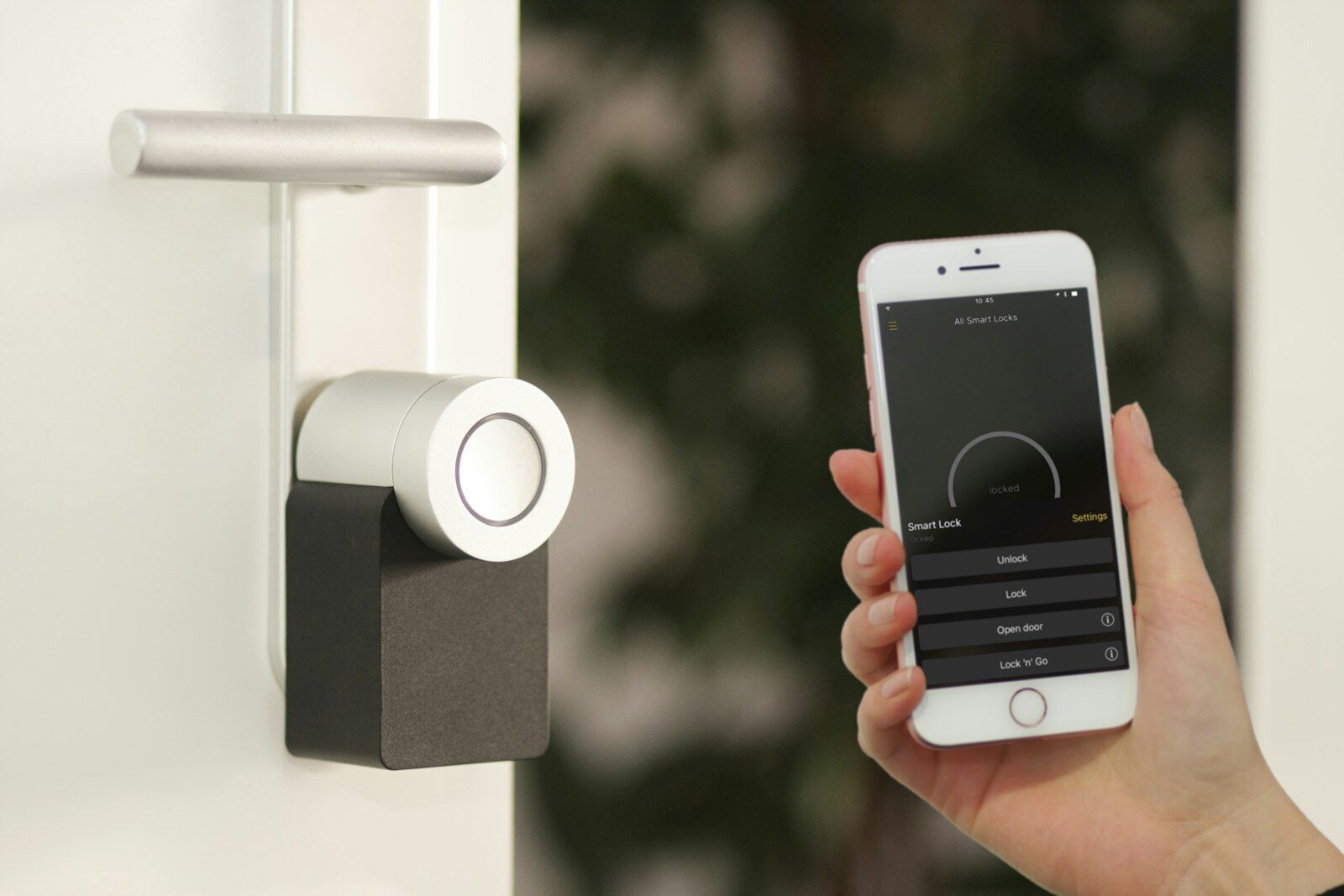
One app for the whole house instead of ten that don't talk to each other. We configure scenes, schedules and away-modes, connect the brands you already own, and test everything with you before handover.
The service
What we deliver
Most 'smart' homes are a drawer full of apps that don't talk to each other. Proper automation means one place to see and control everything — lights, heat, blinds, cameras, music — with routines that happen automatically so you rarely open the app at all.
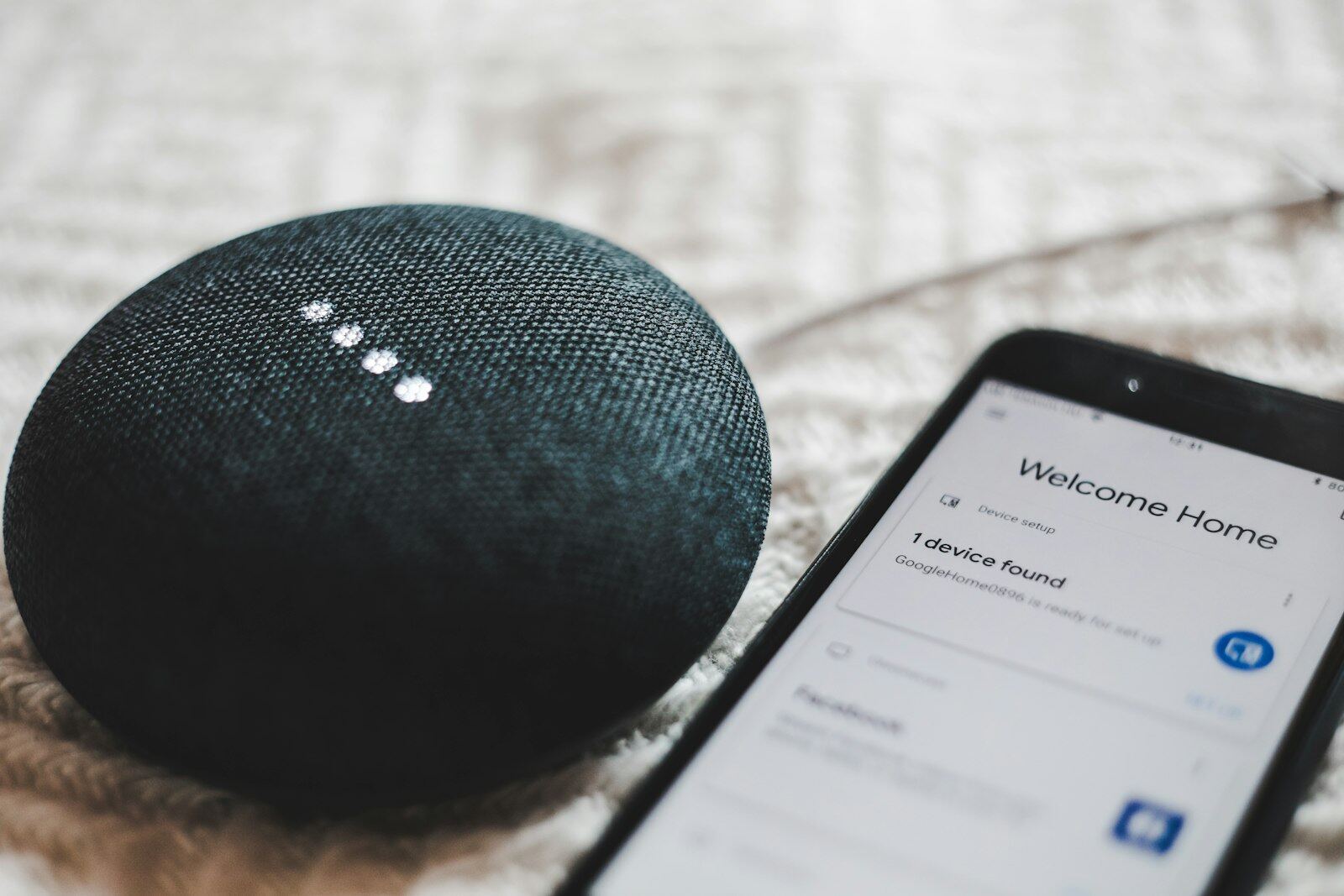
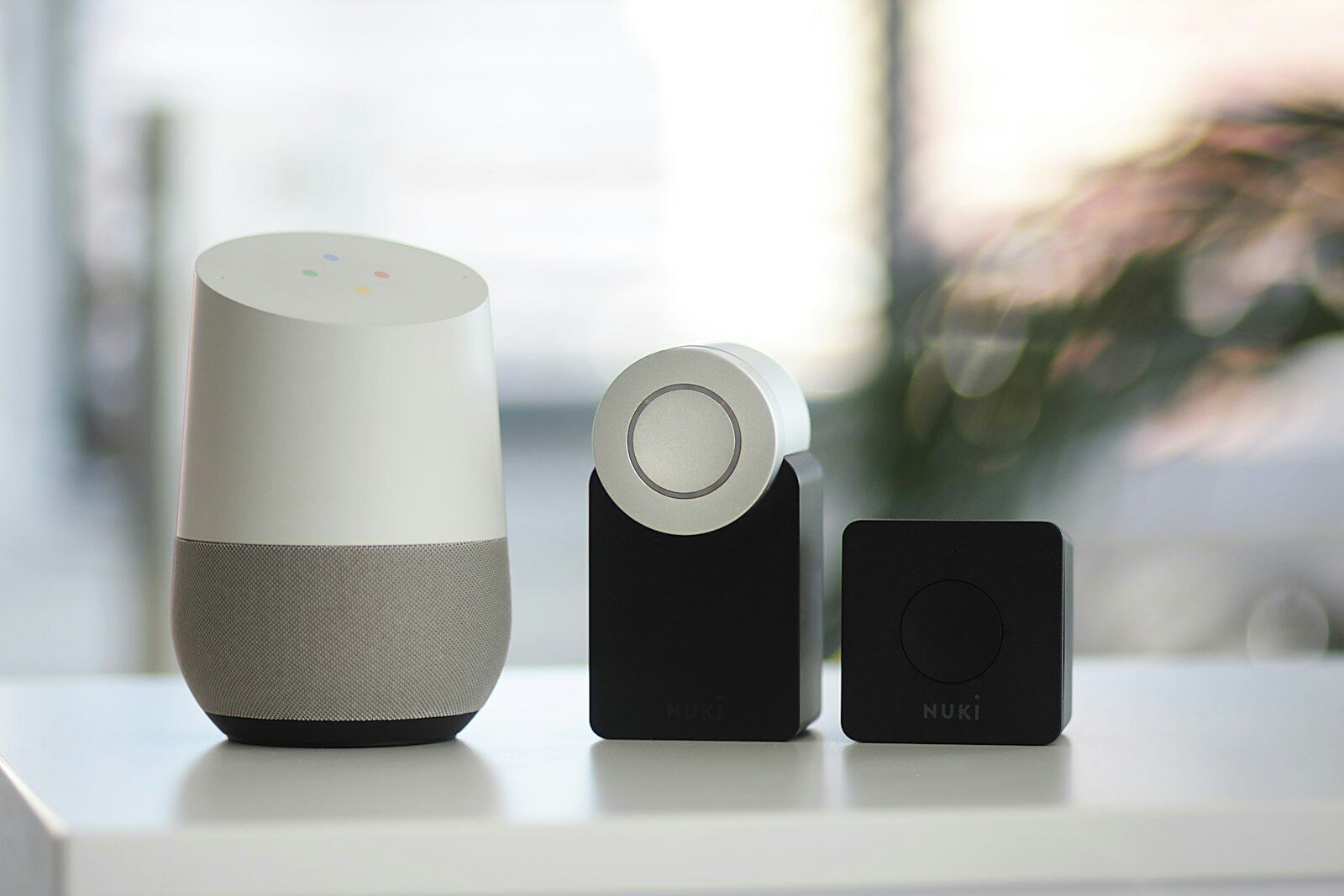
We design around open platforms such as Apple Home, Google Home and Home Assistant, connect the devices you already own where they're worth keeping, and configure routines with you sitting alongside — then test every one before we leave.
What's included
- A single control platform for the whole household
- Integration of existing devices worth keeping
- Automated routines — morning, away, night, holiday
- Family access set up on everyone's phones
- Guest and cleaner access without handing over your account
- A written map of the system for future reference
From brief to delivery
Integration is about deciding which systems should share information and which should remain independent
We organise supported devices into a control structure that makes sense to the household, avoiding unnecessary cross-links that create more failure points than value.
What we resolve before work starts
Before connecting platforms, we check compatibility, account ownership, network requirements and what each integration is supposed to achieve. “Everything in one app” is only useful when the combined controls remain understandable.
- Existing device and platform inventory
- Compatible integration routes and any required hubs or bridges
- User accounts, household permissions and guest access
- Scenes that cross lighting, climate, blinds, audio or security
- Local versus cloud-dependent functions and sensible fallbacks
What a proper handover should include
The client should know which app is authoritative for each function and how to regain access if a phone is replaced.
- Devices named by room and function rather than installer codes
- Household permissions set up for the right users
- Cross-system scenes tested from the chosen control interface
- Recovery, ownership and subscription dependencies identified
- Simple explanation of which functions rely on internet or third-party cloud services
Delivery sequence
How this service moves from idea to finished work
Inventory
We document the products already installed and the platforms the client wants to keep.
Integration plan
Compatible services are grouped around useful outcomes and unsupported or fragile links are excluded.
Configuration
Hubs, accounts, rooms, scenes and automations are configured and tested on the live network.
Simplification
Duplicate controls are removed where possible and the household is shown the shortest route to everyday functions.
Why it is worth planning properly
Good integration reduces app-switching without making the house harder to troubleshoot
Simpler routines
A single scene can coordinate several supported functions for arriving home, leaving or going to bed.
Clearer permissions
Family, guest and service access can be organised more deliberately than sharing one master account across every device.
Less duplicated hardware
Where platforms genuinely interoperate, one sensor or control action can sometimes support more than one household routine.
Key decisions
What shapes the scope
Which ecosystem should be primary, which existing products must remain, who needs access, what should happen automatically, and what must never be triggered without a deliberate command are the key decisions. Privacy and account ownership should be considered before granting broad cloud integrations.
Budget & programme
What usually moves cost or timing
The number of ecosystems, hubs, custom scenes and compatibility issues drive configuration time. Replacing incompatible devices may cost more initially but can create a simpler long-term system than maintaining several fragile bridges.
In pictures
The work up close
 View larger photo
 View larger photo
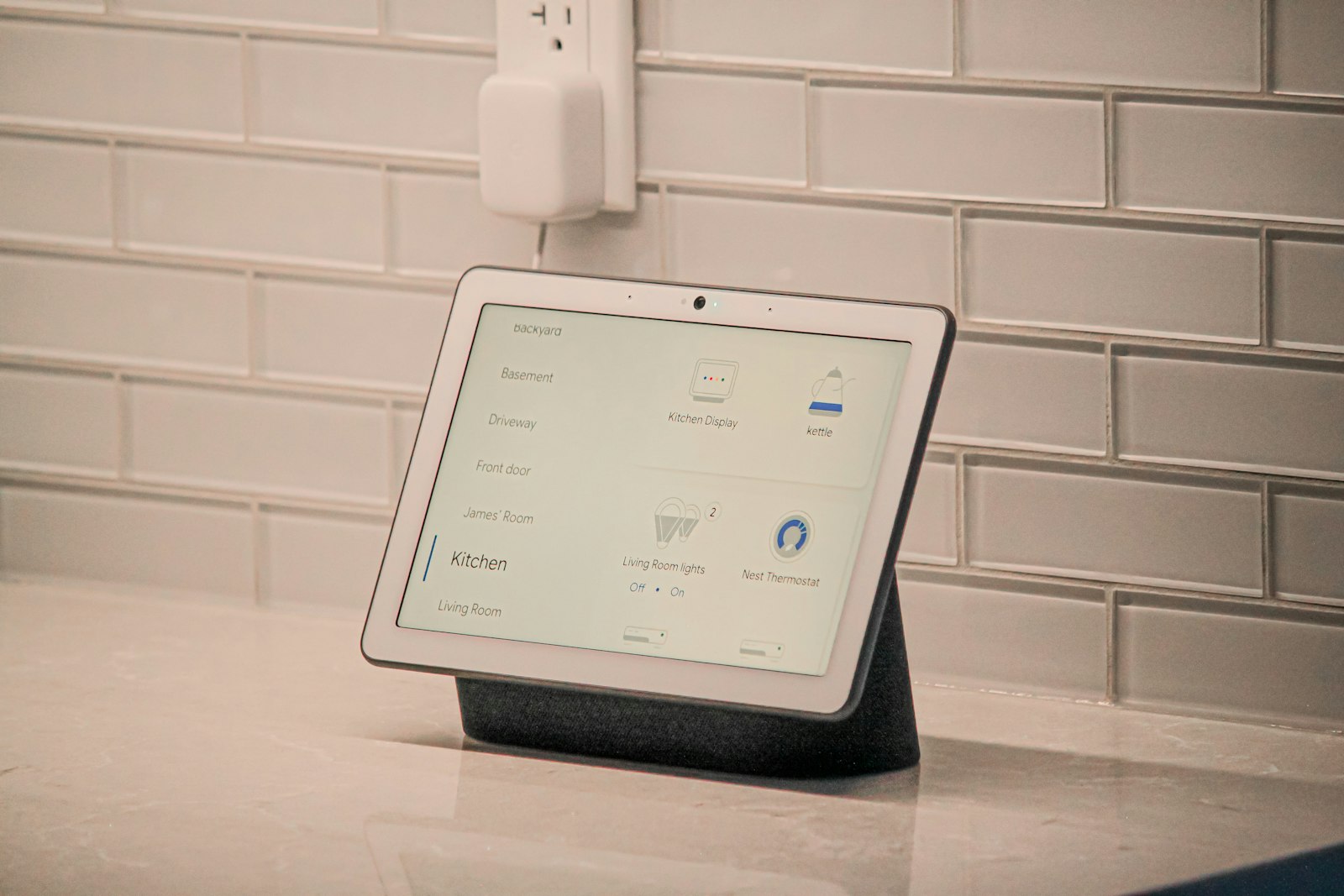 Smart display on kitchen counter showing room-by-room home controls
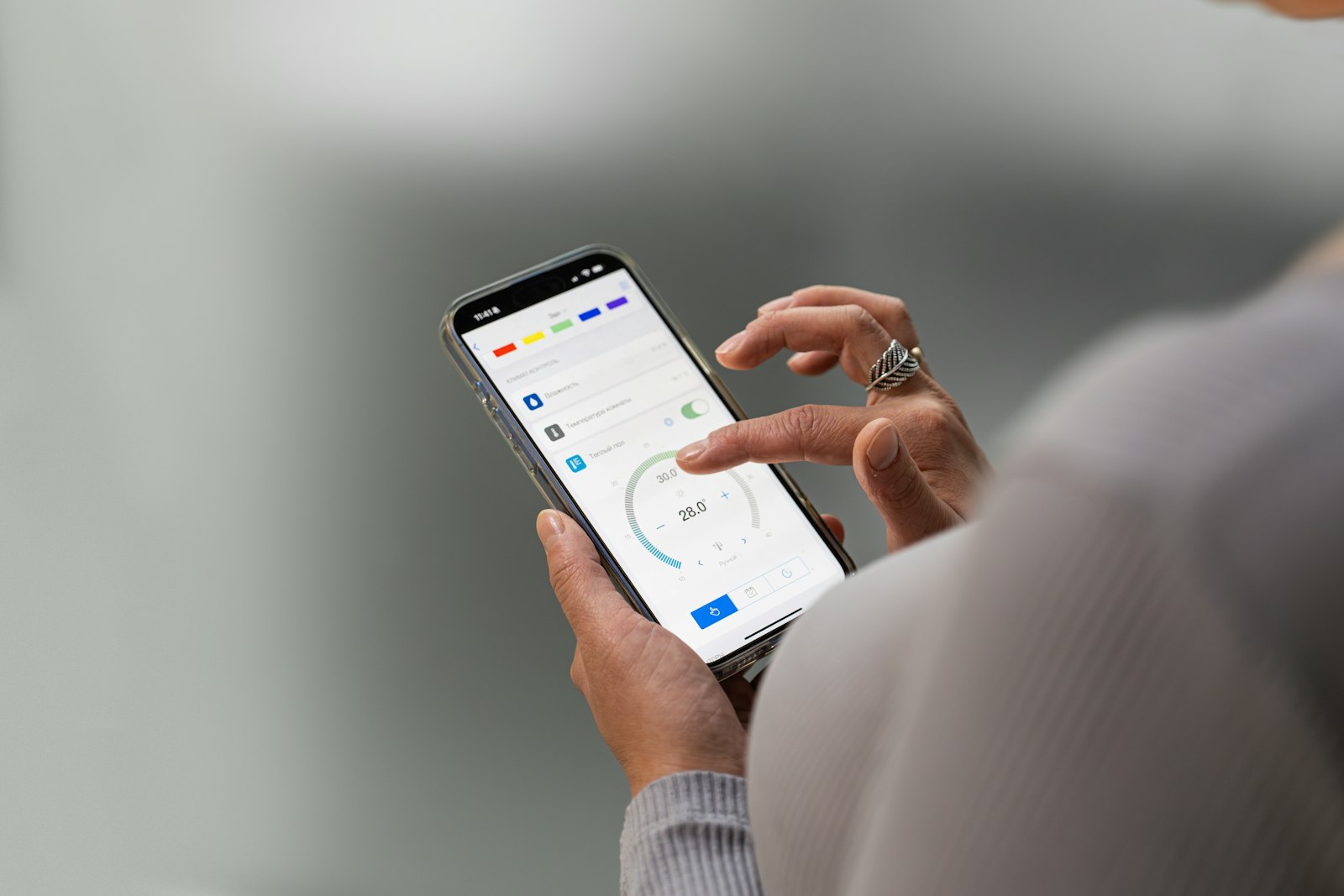 Hands adjusting home climate settings in a smartphone app
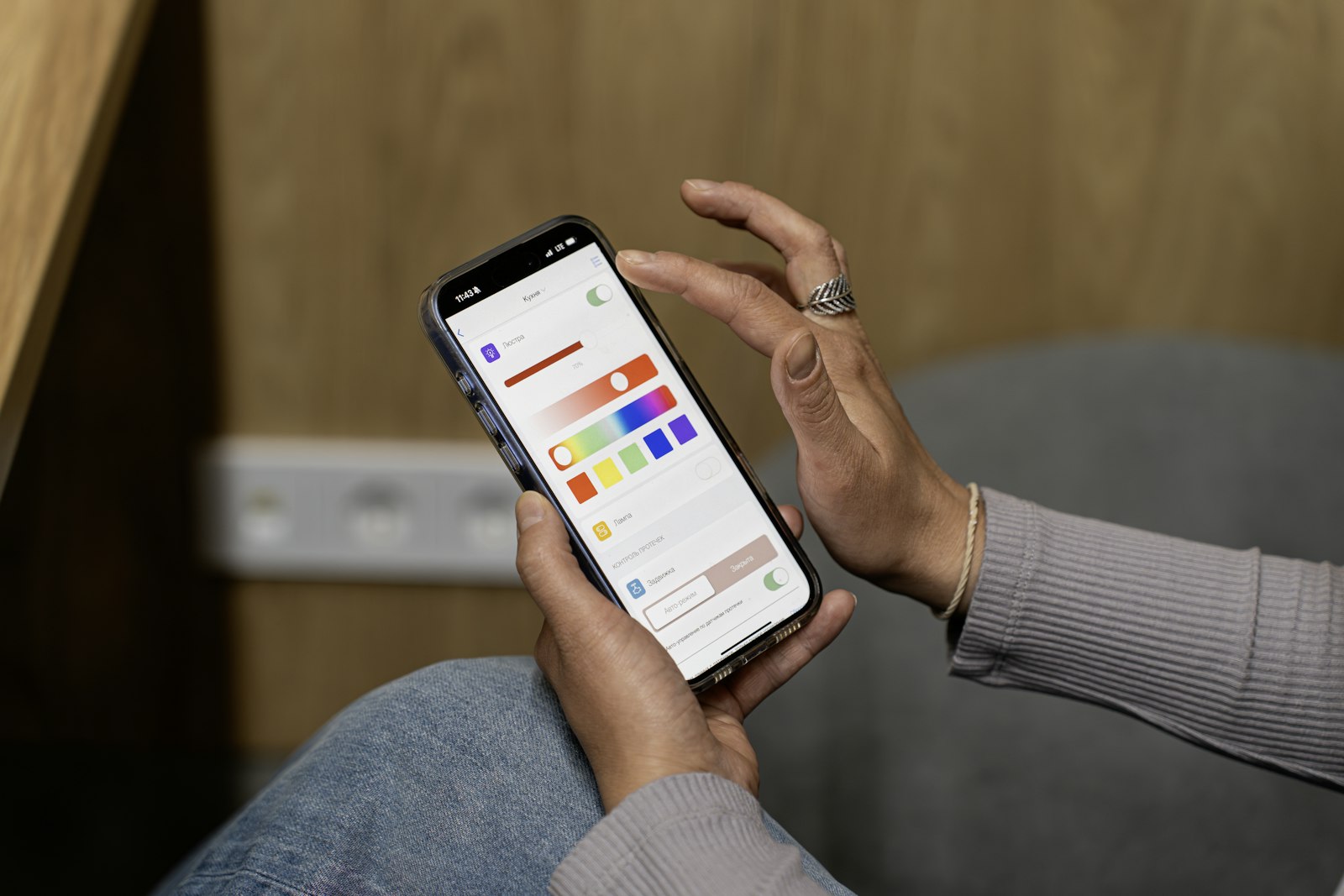 Person setting smart lighting colours and scenes from a phone app
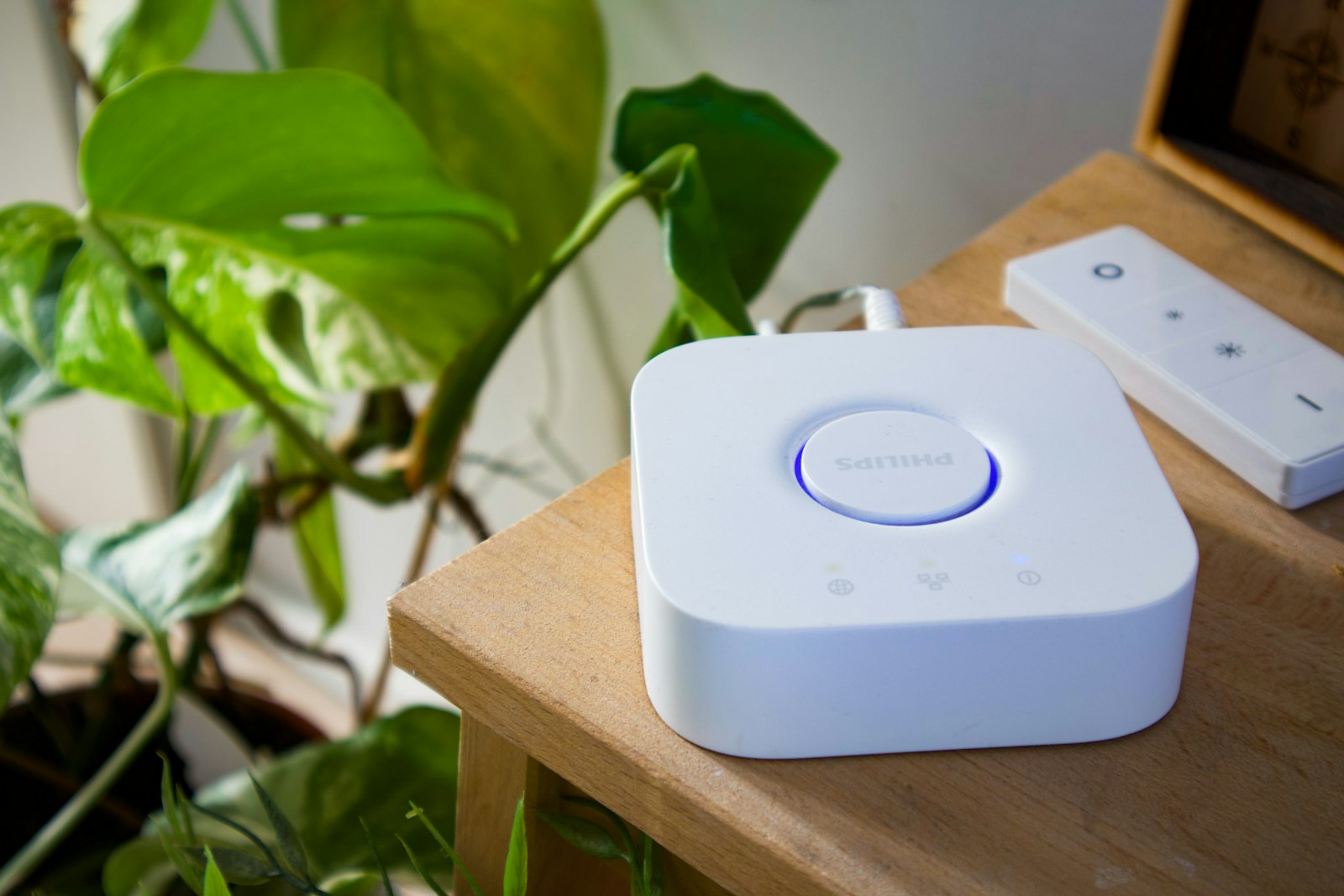 White smart home hub and wireless dimmer remote on wooden shelf
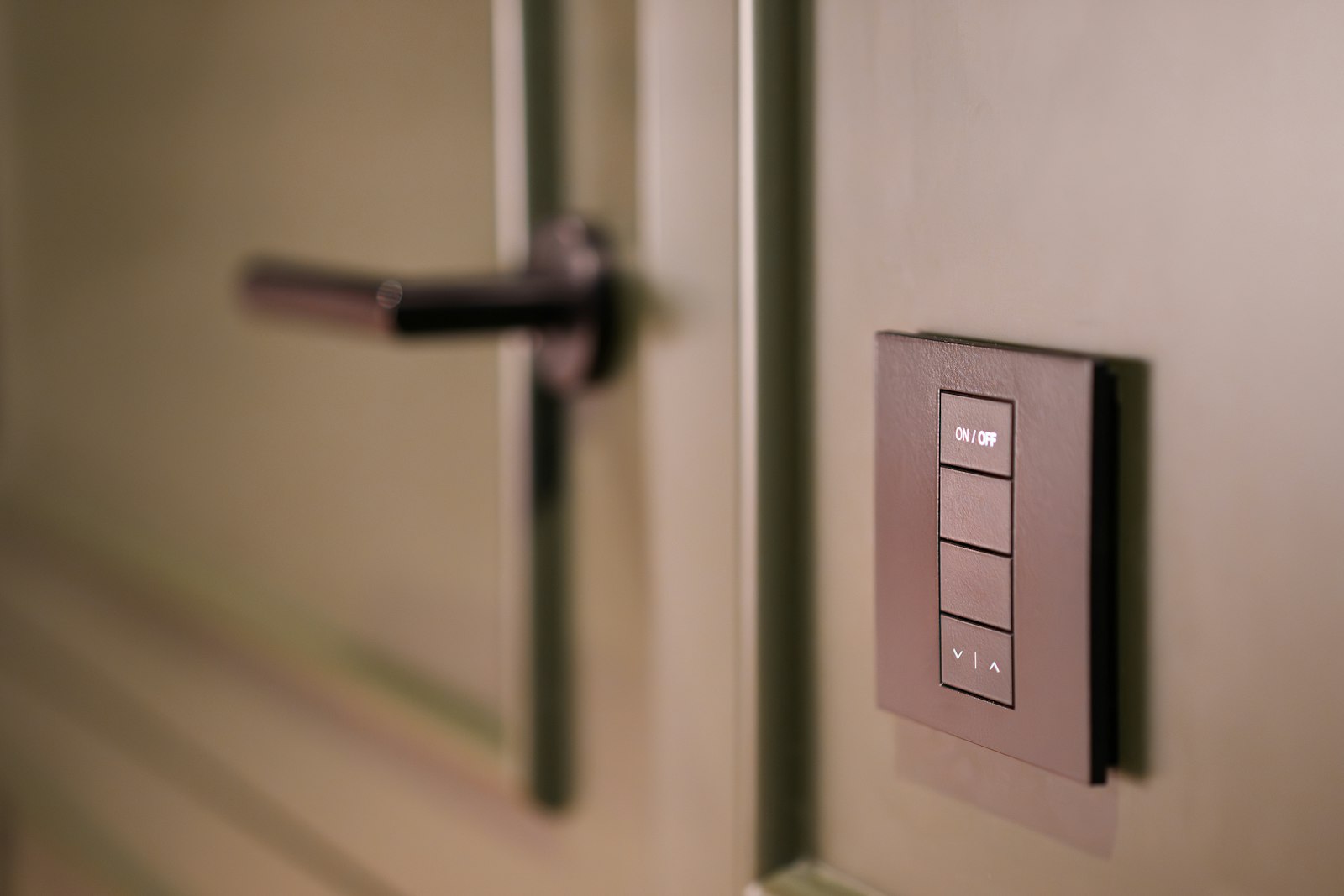 Dark smart lighting keypad on olive panelled wall beside door
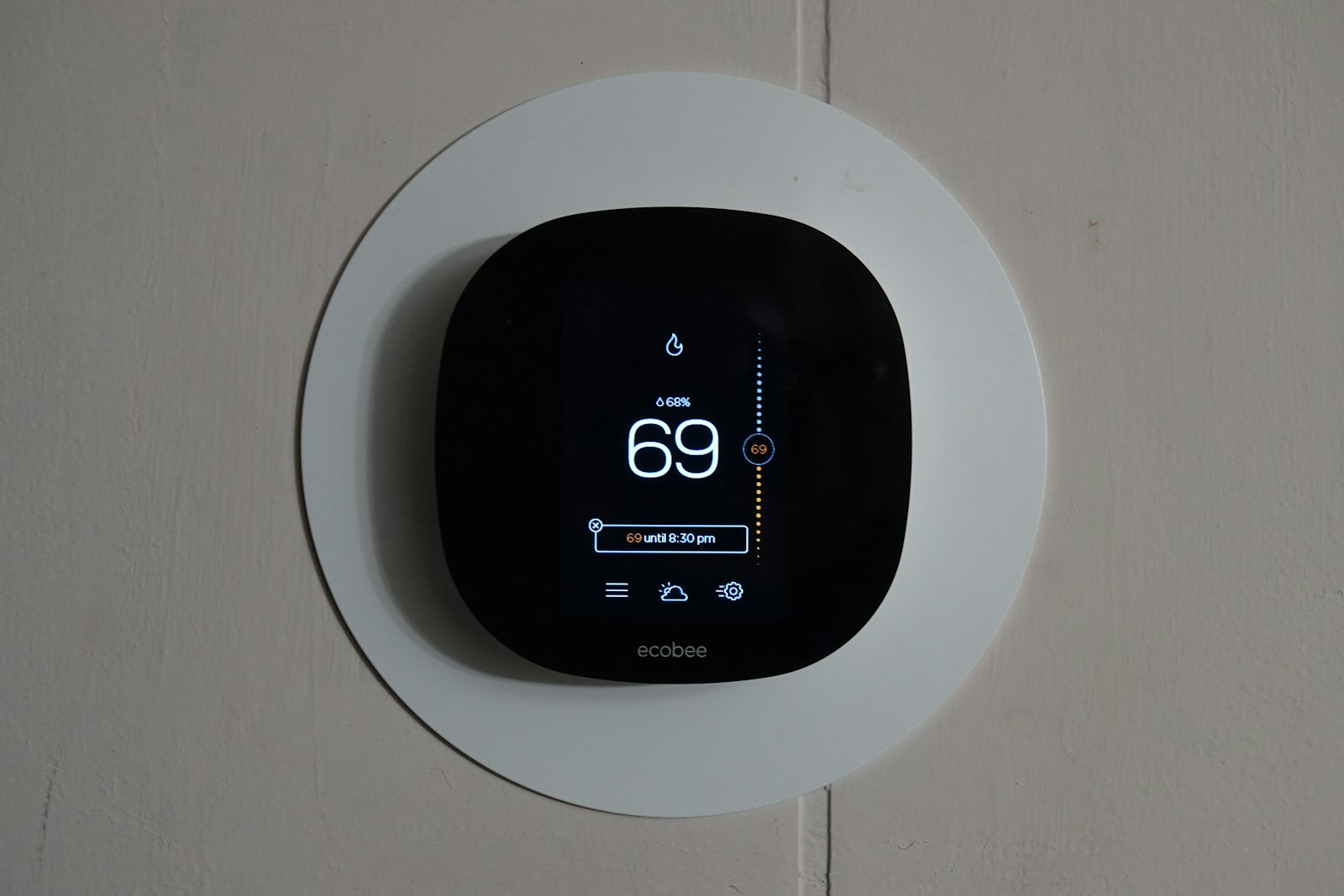 Smart thermostat screen showing a scheduled temperature hold until evening
Why it pays off
What you gain
One app, whole home
Lighting, heating, blinds, security and audio come together in a single well-organised app instead of a dozen competing ones.
Routines that run themselves
A single goodnight tap locks the doors, drops the blinds and dims the lights, while a holiday mode keeps the house looking lived-in.
Built on solid ground
We build on established, well-supported platforms and document the whole setup, so your system keeps working as apps and devices evolve.
How it works
Three steps, no surprises
Discovery and platform choice
We audit the devices you already own and how your household runs, then recommend the platform that ties it all together most reliably.
Integration and configuration
We connect lighting, heating, blinds, security and audio into one system, replacing anything that will not play nicely rather than working around it.
Personalisation and handover
We build your routines, set up access for every member of the household and walk you through it all until the app feels second nature.
Sound familiar?
Asked for every week
Send us the brands and apps you already use and describe the actions you want to combine. We will separate integrations that add everyday value from those that simply make the system more complicated.
- Bringing existing heating, doorbell and lighting devices under one app
- A leaving-home routine that shuts down lights, heating and music in one tap
- App control of gates, garage door and EV charger from anywhere
- Wall-mounted tablet set up as a central home control panel
- Holiday mode that varies lighting and blinds while the house is empty
- A morning routine that opens blinds and warms the kitchen before the alarm
Good to know
Common questions
Which platform do you recommend?
It depends on the phones in your household and the devices you already own — iPhone families usually suit Apple Home, mixed households often suit Google Home or Home Assistant. We advise per household rather than pushing one brand.
What happens if the internet goes down?
Well-designed systems keep core functions — switches, heating, locks — working locally without the cloud. That's one reason we favour open platforms and local-first devices where possible.
Smart Home
More in this service
Start the conversation
Ready to start your project?
List the current devices, control platforms and household members who need access. We can then identify compatibility checks and whether any hardware changes are required.